
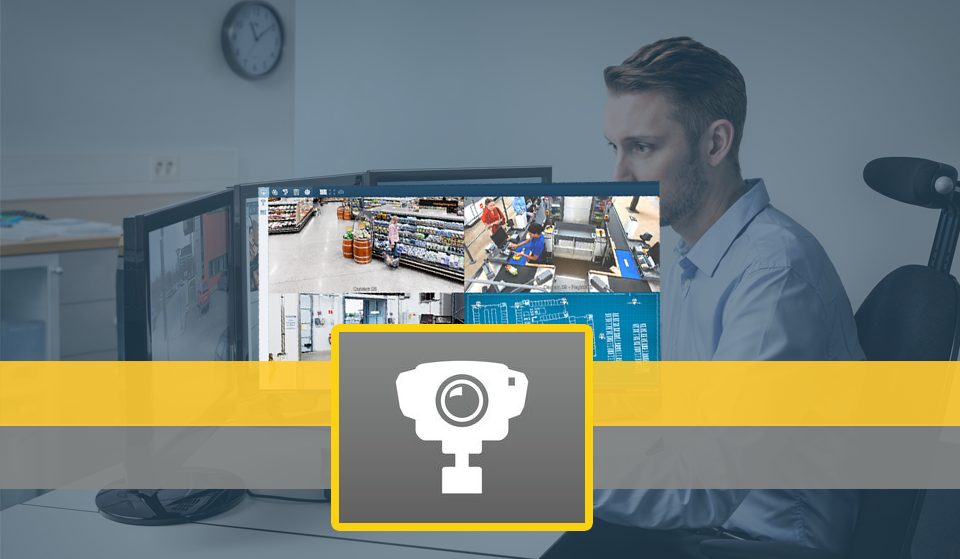
In a video monitoring project, management is as important as acquiring quality equipment, and for this reason, there are various types of video monitoring software capable of assisting professionals during supervision and decision-making in an agile manner.
However, there are some aspects that differentiate these software solutions and highlight the perfect solution for each type of project. In this article, we will highlight the main features and why the Axis Camera Station solution can adapt to various demands, providing quality management.
About Axis
Axis is a well-known manufacturer of CCTV solutions in the global market due to the quality of its equipment and the high technology used in its solutions.
The company was a pioneer in the development and implementation of surveillance technology via IP network transmission, enabling surveillance cameras that were once analog to integrate with computer networks and transform limited projects into various technological solutions.
Additionally, Axis integrates its CCTV equipment with its access control and IP audio solutions, allowing for easy installation in modular projects.
The Axis Camera Station
The Axis Camera Station is Axis' video monitoring software solution that integrates all products provided by the manufacturer and facilitates the management, installation, and modulation of the project. The software allows for camera management, viewing, and identification in high resolution (up to 4K Ultra HD).
According to Axis' own website, its software was developed to meet the needs of small and medium installations, such as stores, hotels, schools, and factories. The software interface allows for quick, easy installation and integration with equipment in just a few clicks, enabling interaction with monitoring, access control, and audio equipment in just minutes.
For example, you can use the Axis Camera Station to see who is passing through your entrance, identify the person, interact with them during their movement within the perimeter through a microphone and speakers, and monitor where the individual is moving—all centralized in a single software.
The video below illustrates the easy interaction of a technician with the software interface using the Axis T8310 (agile camera control module).
Integration with Site Design
The Axis Site Design is a web tool provided by the manufacturer that allows any user to define the specifications of their project and identify the equipment that can meet the requirements. You can access it through the following link.
The Axis Camera Station allows integration with Site Design, meaning that in the web application provided by Axis, you can build your project and define the equipment.
After acquiring them, simply import the file generated in Site Design, and the Camera Station will take care of providing the equipment in their respective configurations.
Remote Monitoring from Any Device
Axis offers an app for Android or iOS, allowing you to integrate your mobile device with your video monitoring solution, enabling viewing and interaction with the equipment from anywhere.
Try the software, and if you like it, we at IPMarket can help you acquire the necessary licenses for your project by clicking here!


