
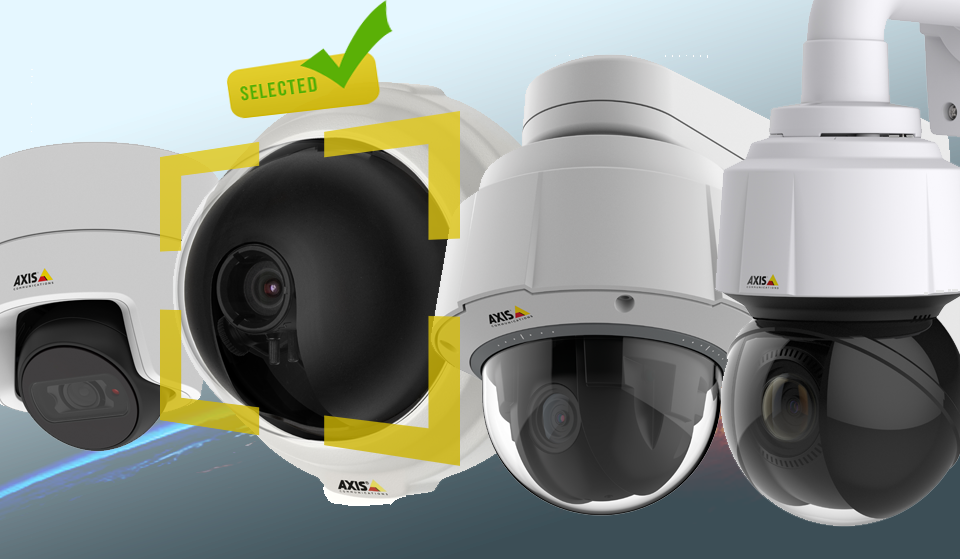
The IP solutions manufacturer Axis Communications is constantly seeking to enable and improve its clients' processes, whether through quality products with cutting-edge technologies or tools that assist consumers from the moment of product selection to the implementation of the project.
Among the most common solutions found on the manufacturer's website, we can access the product selector and the accessory selector online and completely available. Both selectors are tools capable of searching for and presenting solutions based on the specifications filled in through the filter fields.
Additionally, during the specification period for CCTV products, it is common for questions to arise, such as, “Will model X of the camera be effective in detecting, identifying, or recognizing an environment, an individual, or an object?” In other words, just because a camera can capture images up to 20 meters, for example, will the system be able to recognize an individual present in the scene?
This question can be answered through the lens calculator, a completely online and free tool capable of defining the configurations of the cameras provided by the manufacturer and evaluating them based on criteria such as distance, identification, recognition, and detection of individuals, focal length, etc.
Selecting models for projects that contain defined specifications
First, you can access the camera selector through the following link. This tool can be essential for those starting to quote IP cameras and contains the already defined technical specifications.
The tool provides filters for selecting the type of camera model (such as Dome, PTZ, Fixed), resolution filter, selection of additional features, such as Zoom, infrared, WDR, audio support, type of resistance, etc.
The camera selector works like a funnel, where all camera models are available, and by selecting the specifications, the tool filters the models, leaving only the ideal solution.
Selecting models based on the monitored scenario
The lens calculator can be accessed through the following link. Upon entering the page, the first options provided are the choice of camera model, its respective lenses, and you can also select the resolution of the monitoring and which unit of measurement will be evaluated, such as meters of distance.
Additionally, some cameras provide corridor mode, a feature available in some Axis camera models that allows reprogramming the camera settings to improve performance in corridors and save pixel width.
After selecting the camera and its specifications, the user can check and manage the technical capabilities provided by the model. It is possible to modify the distance of the monitoring scenario, change the focal length, and finally check if the selected model detects, recognizes, or identifies the user/object in the defined scenario settings.
The way the lens calculator works is completely reverse compared to the camera selector, as it is necessary to first select a model and see how its settings work in the proposed project scenario. Thus, the calculator can be essential for defining requirements in projects that are in the initial phase, while the camera selector is useful for projects with already specified requirement definitions.
Accessory Selection
Furthermore, Axis provides an alternative tool for selecting the accessories for its products. The accessory selector allows you to select the type of camera already previously defined, filter which category of accessory the user needs, such as connectivity accessories, illuminators, power supplies, etc., and finally select the list of materials (accessories) that will assist the camera during the project.
The accessory selector can be accessed through this link.
Finally, with the scenarios, cameras, and accessories defined, click this link and request a quote for your products through our online store for Axis products.


